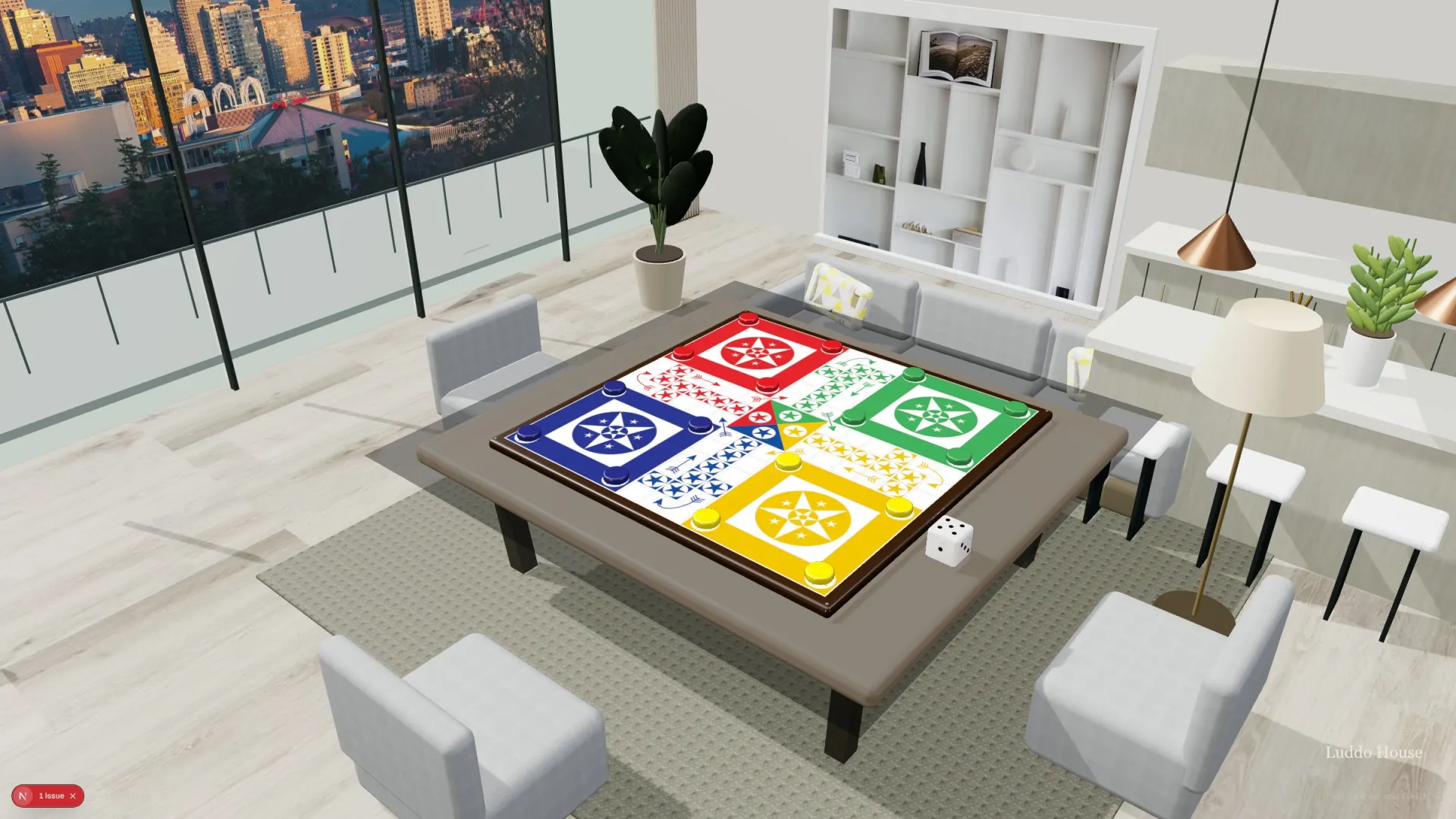
Play Luddo online with friends.
You can play Luddo with friends from anywhere, in any browser. One person sets a private table and shares a link; everyone else types a name and sits down. No download, no account and no ads.
Set a tablePractice against the computer first
Set a table in a minute
- Open Luddo House and tap Play with friends.
- Type your name and pick how many seats: two to four on the square board, five or six on the hexagon. Choose a board and the house rules if you like.
- Tap Create a private table, then send the link by WhatsApp or any app, or read out the room code.
- Your friends open the link in any browser, type a name and take a seat. They don’t need an account.
- Someone can’t make it? Fill the empty seats with computer players, then start the game.
Talk while you play
Turn on voice or video and your friends’ faces sit at the table with you. Chat and quick reactions work too.
Everyone in the same room?
- Table Together: pass one phone or tablet round the table, with no sign-in at all.
- Party mode: put the table on a TV and use your phones as controllers.
Dice nobody can argue with
In online games the dice are rolled on our server, not on anyone’s phone, and after the game you can check every roll.
What you need
A phone, tablet or computer with a recent browser. The table is 3D; on an older device or a slow connection, a flat board stands in while it loads.